As developers, we want tools that are help maximize productivity but also allow us to customize our experience for our specific use case. When it comes to AI tools such as code assistants, there are a number of options, but unfortunately many require premium subscriptions for models and LLM providers. Continue, the leading open source code assistant, offers a much more flexible code assistant solution. It seamlessly integrates with top LLM providers like OpenAI, Anthropic, and Gemini, while also supporting local hosting options such as Ollama and Llama.cpp, giving developers the freedom to choose the setup that best suits their workflow.
In this blog, we will go over how to setup a local code assistant specifically tailored for Db2 for i and SQL. Here are some of the main advantages of local code assistants:
- Data privacy: your code stays on your machine, not sent to 3rd-party servers
- Customization: choose which models to use for specific coding tasks
- Configuration control: choose exactly how you want the model to behave by configuring model parameters
- Offline usage: work offline or without an internet connection
- No subscription costs: experiment and use powerful open-source models without committing to premium subscriptions
Requirements
- A computer capable of running LLMs locally
- VS Code IDE with Continue extension
- IBM i VS Code extensions:
- a Continue Account (https://hub.continue.dev/signup?ref=blog.continue.dev)
Step 1: install Ollama
Ollama allows you to run LLMs locally on your laptop. Here is how to set it up:
MacOS/Linux
curl -fsSL https://ollama.ai/install.sh | shWindows
Download installer from Ollama
Step 2: Pull model for SQL
Next, we need to pull a model to help us write SQL. Most modern models are fairly good at SQL. I find that the Granite family of models works well for small use cases:
ollama pull granite3.2:8bThis will download the model to your machine. To verify it works, test it out with this simple command:
ollama run granite3.2:8b "write a python function to convert a string to base64"Other models that work well with SQL (from personal experience):
Step 3: Set up your Continue account
Before we setup the Db2 for i Assistant, first create your Continue Account
- Visit: Sign up
- Verify email address
- Log in to access Continue Hub
What is Continue Hub?
Continue Hub is a platform for building and sharing open source developer tools like code assistants, models, prompts and MCP tools. Read more about the launch of Continue 1.0:
Step 4: Log into Continue in VS Code
Before we open up the assistant in VSCode, first install the Continue Extension
- Continue extension
- For detailed instructions, see the official documentation
Once installed, log in with your Continue account created in step 3.
Step 5: Add the Db2 for i Assistant
Once your Continue account is setup, you can add the Db2 for i assistant
- From Continue Hub Explore page, search for “Db2 for i Assistant”, or follow this link:
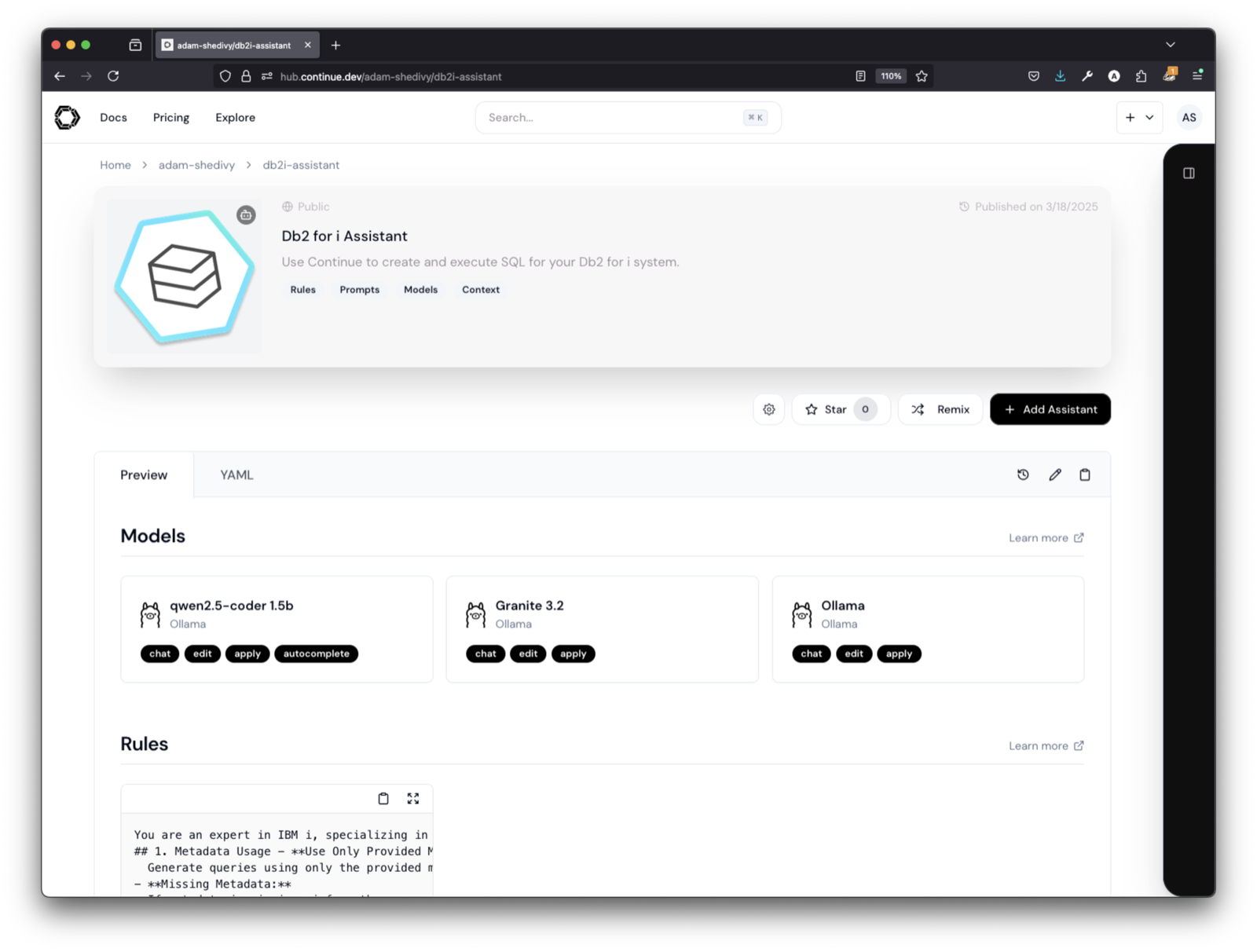
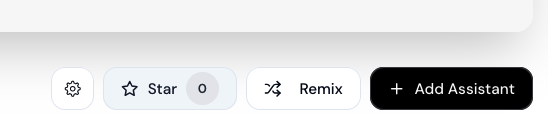
- Select “Add Assistant”
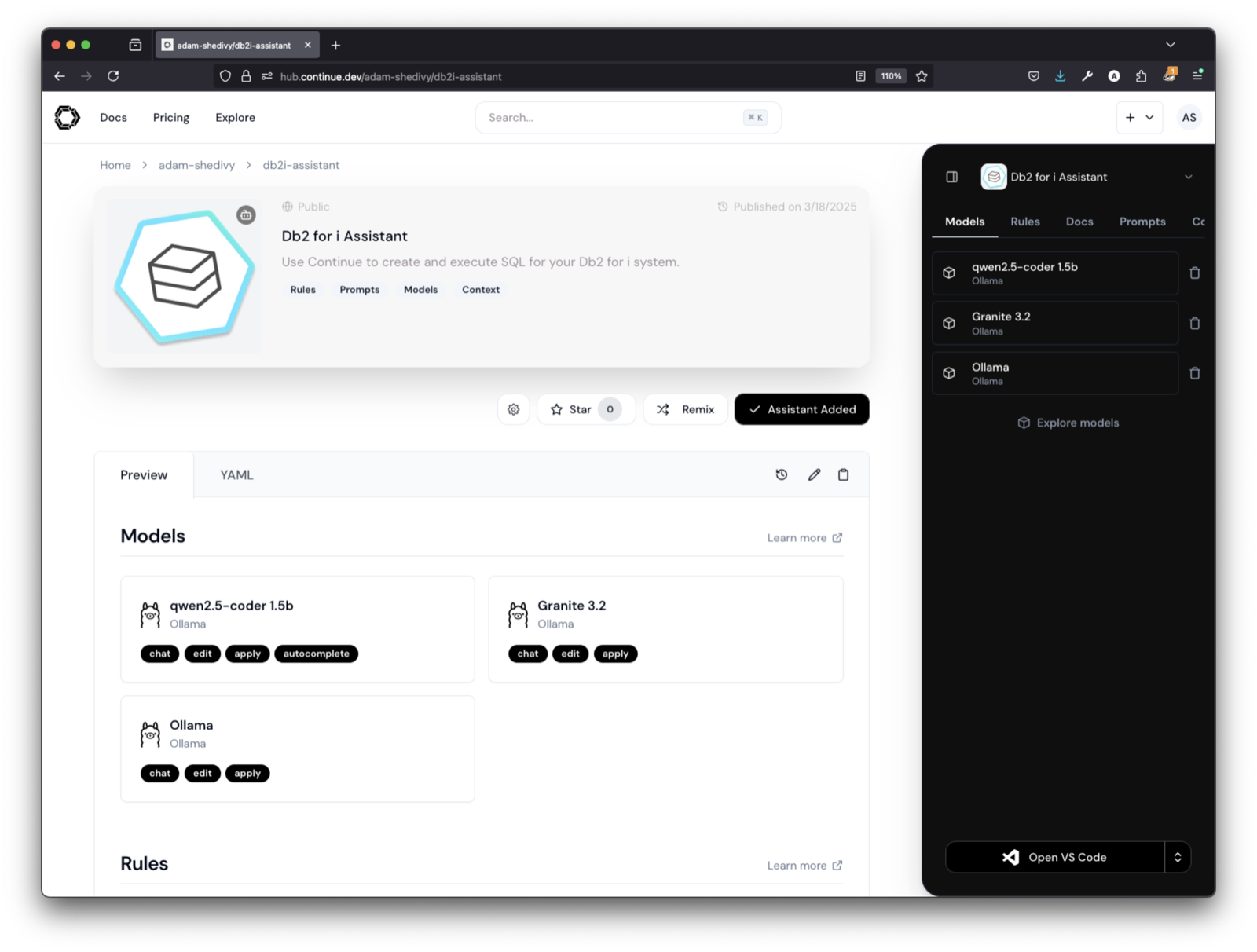
- Once added, the assistant will appear in your collection of custom assistants
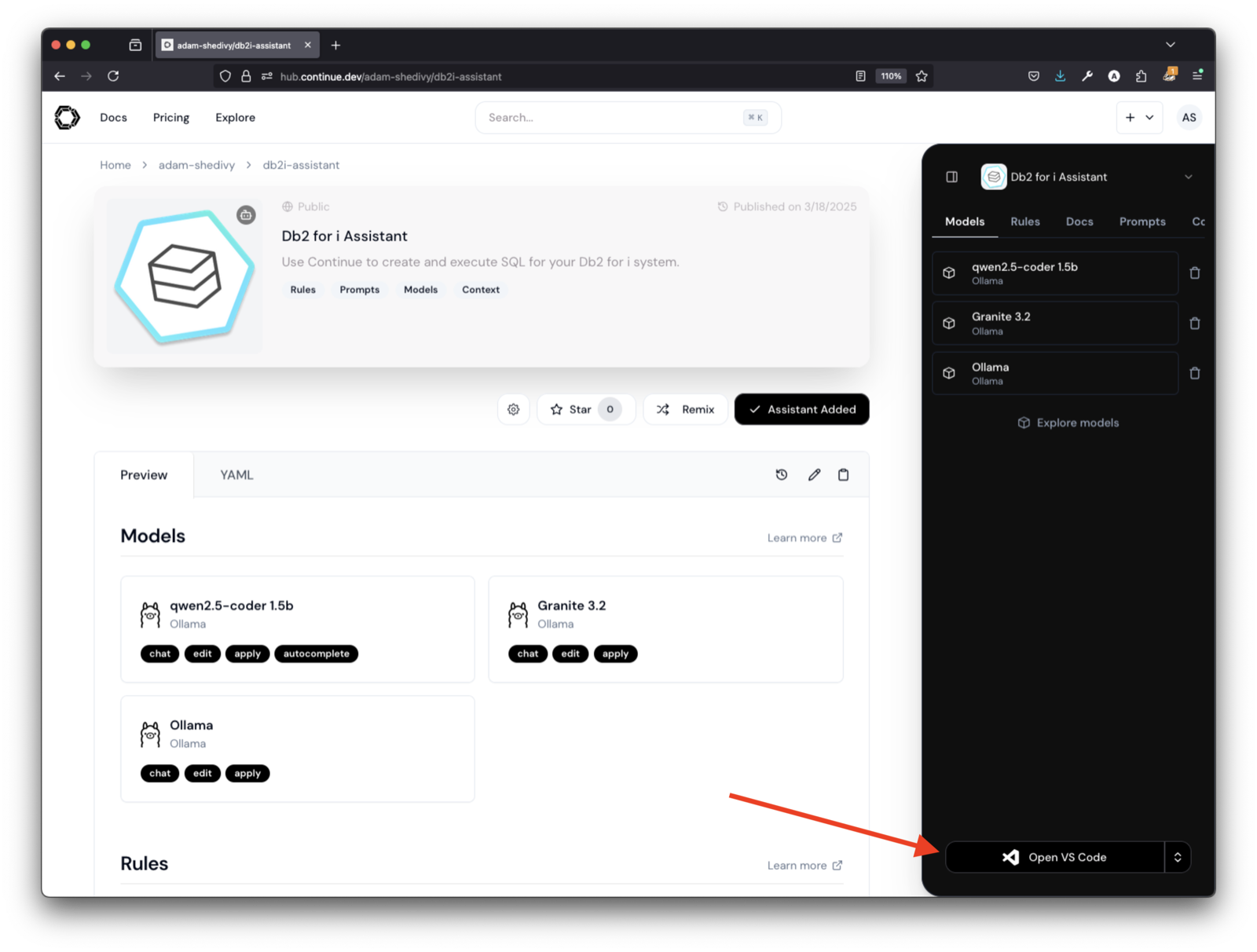
- Select “Open VS Code” to add the assistant to your Continue extension
Here is a quick demo:
Step 6: Connect to an IBM i system and invoke @Db2i context provider
Once we have the assistant added, now all we need to do is connect to an IBM i system and start asking questions!
- Install the Code for IBM i extensions:
- Connect to an IBM i system using the Code for i extension
- Switch to Continue, and type
@Db2i - You can now ask questions about objects in your library list!
Quick Demo:
To reproduce this demo:
- first install the SAMPLE schema
CALL QSYS.CREATE_SQL_SAMPLE('SAMPLE')- Add
SAMPLEto your library list in the active SQL job:
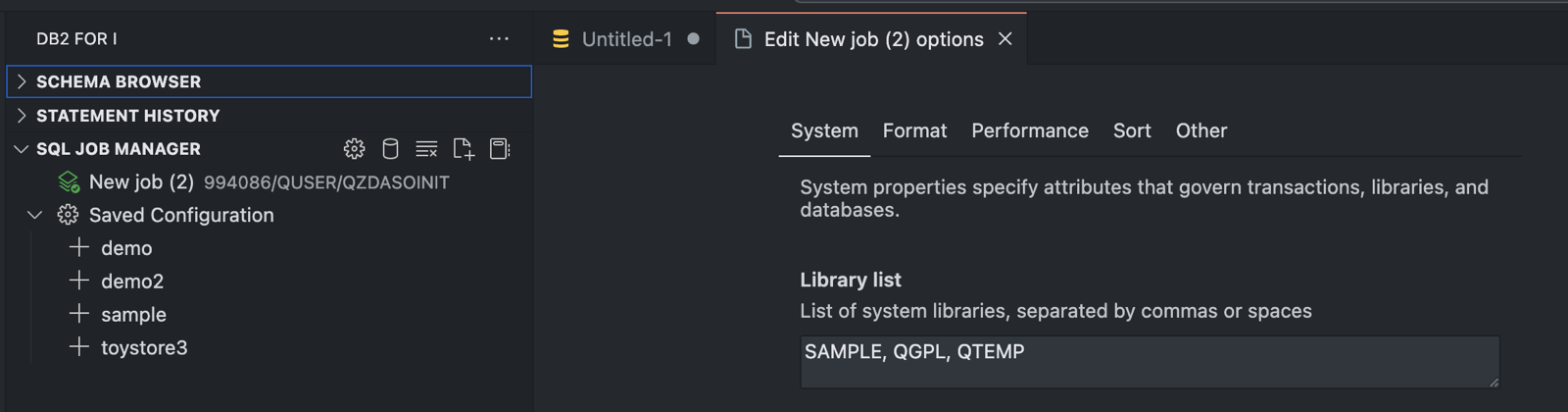
- save the edited Job, then ask the following query:
@Db2i how many employees are in each department?